You’ve been waiting weeks for this appointment. You walk into the clinic, sit down, and the consultant asks, “So, what’s been going on?” Suddenly, your mind goes blank. You mention the main symptom, but you forget to ask about the side effects of your medication or that strange pain you had last Tuesday. You walk out to your car and the list of things you meant to ask hits you all at once.
This is a universal experience. It happens because medical environments are often high-pressure, and the brief window of time you get with a specialist—usually between 10 and 15 minutes—can feel like a race against the clock. Managing an appointment question list isn't just about being organised; it is the single most effective way to take charge of your own care.
Why Preparation Leads to Better Outcomes
There is a lot of talk about "patient empowerment," but in practical terms, it really comes down to one thing: information flow. When you enter a consultation prepared, you aren't just a passive recipient of advice. You become a partner in the decision-making process.
By keeping structured patient notes, you provide your clinician with high-quality data. Doctors are trained to look for patterns. If you can present your symptoms, duration, and concerns clearly, they don't have to spend the first five minutes of the consultation digging for basic information. This leaves more time for you to ask the questions that actually matter to your quality of life.
Choosing Your Digital Toolkit
You don't need a medical degree to manage your health information effectively, but you do need the right tools. In the UK and beyond, healthcare is shifting toward digital-first models. Using the right technology can turn a chaotic scribble on a scrap of paper into a clear, actionable document.
The Role of Patient Portals
A patient portal is a secure, online website that gives you 24-hour access to your personal health information. Many NHS Trusts and private healthcare providers now use these portals to allow patients to view test results, see upcoming appointments, and sometimes even message their care team directly.

If your provider offers a portal, log in before your appointment. Often, you will find a summary of your most recent visit or a list of your current medications. Cross-referencing these against your own notes is a great way to ensure you and your doctor are looking at the same information. If you see a medication listed that you stopped taking months ago, that is an item for your list.
Note-Taking Apps and Dashboards
While portals are for official records, you need a place for your "working notes." I recommend using a dedicated note-taking app on your phone. Apps like Notion, Obsidian, or even the native Notes app on your smartphone are perfect for this.
The goal is to keep a running log. Don't wait until the night before the appointment to start brainstorming. Create a folder labeled “Health” and add new symptoms or questions as they arise. When the day of your appointment arrives, you aren't trying to remember the last three months; you’re simply reviewing a pre-written document.
Structuring Your Appointment Question List
Not all questions are created equal. If you arrive with a list of twenty disparate questions, you will likely run out of time. Instead, prioritize your concerns using the "Three-Question Method."
The Three-Question Method
What is my main problem? What do I need to do next? Why is it important for me to do this?Using this framework forces you to focus on the outcome. If you have extra time, you can move down to secondary questions, such as potential side effects, alternative treatments, or how this condition might impact your work or hobbies.
Using Search Engines Effectively
It is tempting to use search engines to https://bizzmarkblog.com/are-podcasts-and-forums-actually-improving-health-literacy/ find answers before you go. A word of caution: most broad search results are not tailored to your specific medical history. Use search engines to understand the terminology your doctor uses, not to diagnose yourself. If you read about a specific treatment or "best practice" guideline, write it down as a question: “I read that [Treatment X] is often used for this condition. Is that something we should consider, and why or why not?”
Consultation Prep: A Comparison Table
How you track your information can change depending on your tech literacy and personal preference. Here is a breakdown of the most common methods for keeping your notes.
Method Best For Pros Cons Digital Portal Clinical accuracy Verified by your hospital/clinic Can be complex to navigate Mobile Notes App Real-time tracking Always in your pocket Requires discipline to update Physical Notebook Visual learners No battery required; focus-friendly Easy to leave behindManaging Telehealth and Virtual Consultations
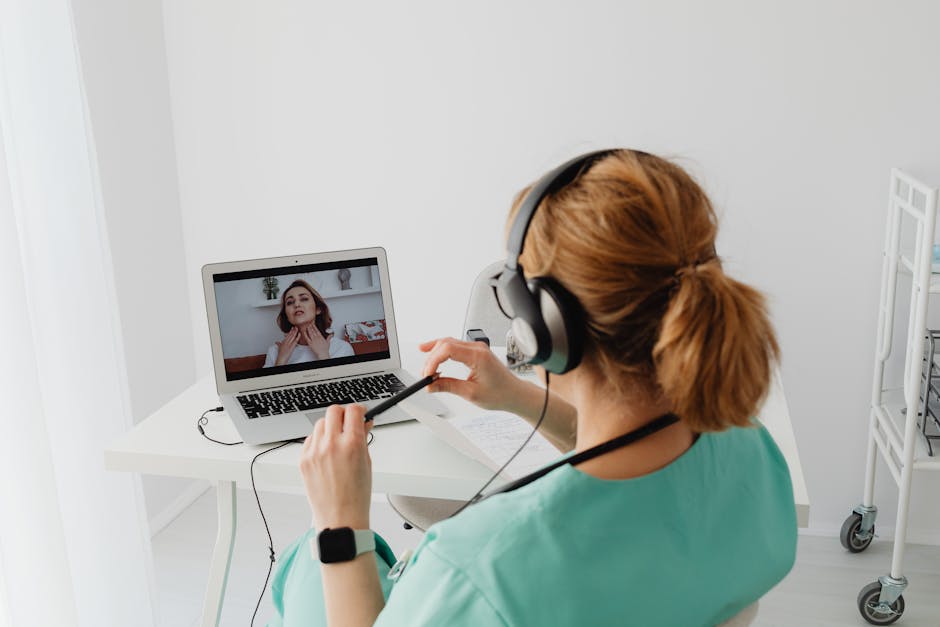
Telehealth—or remote clinical services conducted via video or phone—has changed the way we handle appointments. While it is more convenient, it requires a different kind of consultation prep.
In a virtual setting, you cannot point to a physical spot on your body or show the doctor a rash as easily as you can in person. Preparation here is critical:
- Visual Aids: If you have a physical symptom, take high-quality photos in good lighting well before the call. Email these through the patient portal if possible, or have them open on your screen ready to share. Environment Check: Ensure you are in a quiet room with a reliable internet connection. If you are using a video link, check your camera angle so the doctor can see you clearly. Digital "Desk": Keep your notes app or your list of questions open in a split-screen view on your computer. This allows you to check your questions without looking away from the camera, keeping the conversation flowing naturally.
Avoiding the "Leaflet Syndrome"
Many patients feel they must act a certain way in a clinic—polite, deferential, and quiet. This often leads to secure patient portal "leaflet syndrome," where you leave the room with a stack of generic pamphlets but no clear understanding of your own path forward.
Your notes are your defense against this. If you don't understand a term the doctor uses, stop them. If they say “You have hypertension,” and you aren't 100% sure what that means, ask. Hypertension is simply the medical term for high blood pressure. Never feel ashamed to ask for a definition. Your doctor uses these terms every day; you use them once in a blue moon.
Final Thoughts: You are the Expert on You
At the end of the day, your clinician is the expert on medicine, but you are the expert on your life. They know the statistics, the research, and the drug interactions, but they don't know how your symptoms feel at 3:00 AM, and they don't know your personal goals for your health.
By keeping a consistent appointment question list, you bridge that gap. You shift the focus from the doctor simply "seeing" a patient to a collaborative effort to manage your well-being. Start today: create a folder, list your three biggest concerns, and keep that list updated whenever something new comes up.
Next time you walk into that consultation room, you won't be hoping you remember everything. You’ll be looking at your notes, ready to get the answers you need.
A Quick Checklist for Your Next Appointment
- Have I reviewed my recent blood test results or clinical letters on the patient portal? Does my list include specific dates for when my symptoms started? Have I prioritized my top 3 questions in case we run short on time? Do I have a pen and paper (or a digital device) ready to record the answers during the meeting?